01
Stock quotes
Spot moves as they happen
Price, change %, volume, and sector context—without hopping between screens.
Live quotes · Chart tools · Every major platform
See what the market is doing—and get the right app for how you work
Real-time prices, K-lines, screeners, and headlines in one place, on desktop or phone
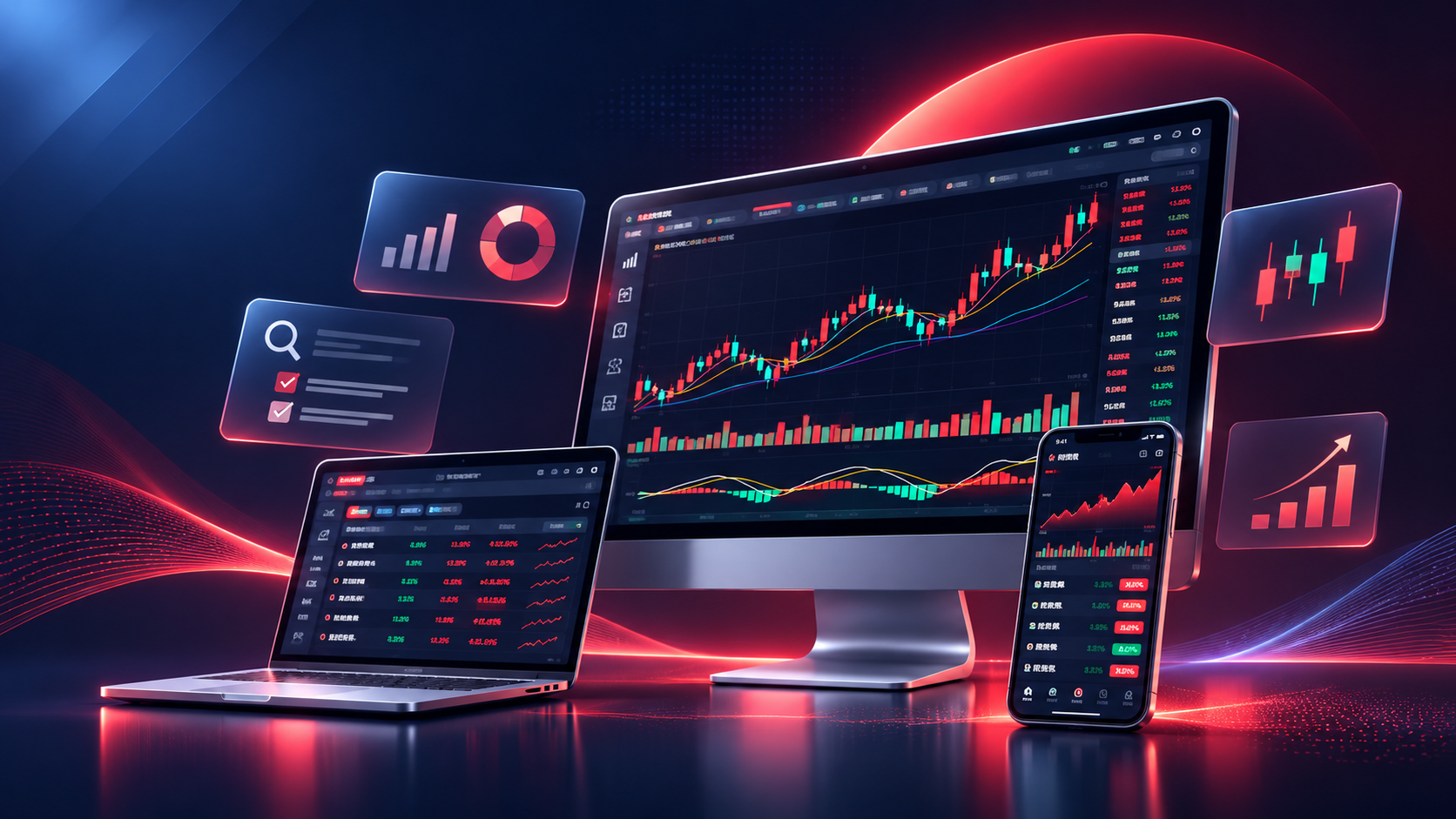
Tonghuashun covers the basics and the deep cuts: trends, indicators, fund flow, and hot themes. Use a big screen for charts or keep your watchlist in your pocket—pick the client that matches your day.
We summarize each platform and link straight to official Windows, Mac, Android, and iOS downloads so you can compare options and install from the source you trust.
Core features
Prices, charts, screeners, fund flow, watchlists, and news. Use what you need, skip what you don’t.
01
Spot moves as they happen
Price, change %, volume, and sector context—without hopping between screens.

02
Read the trend, not just the tick
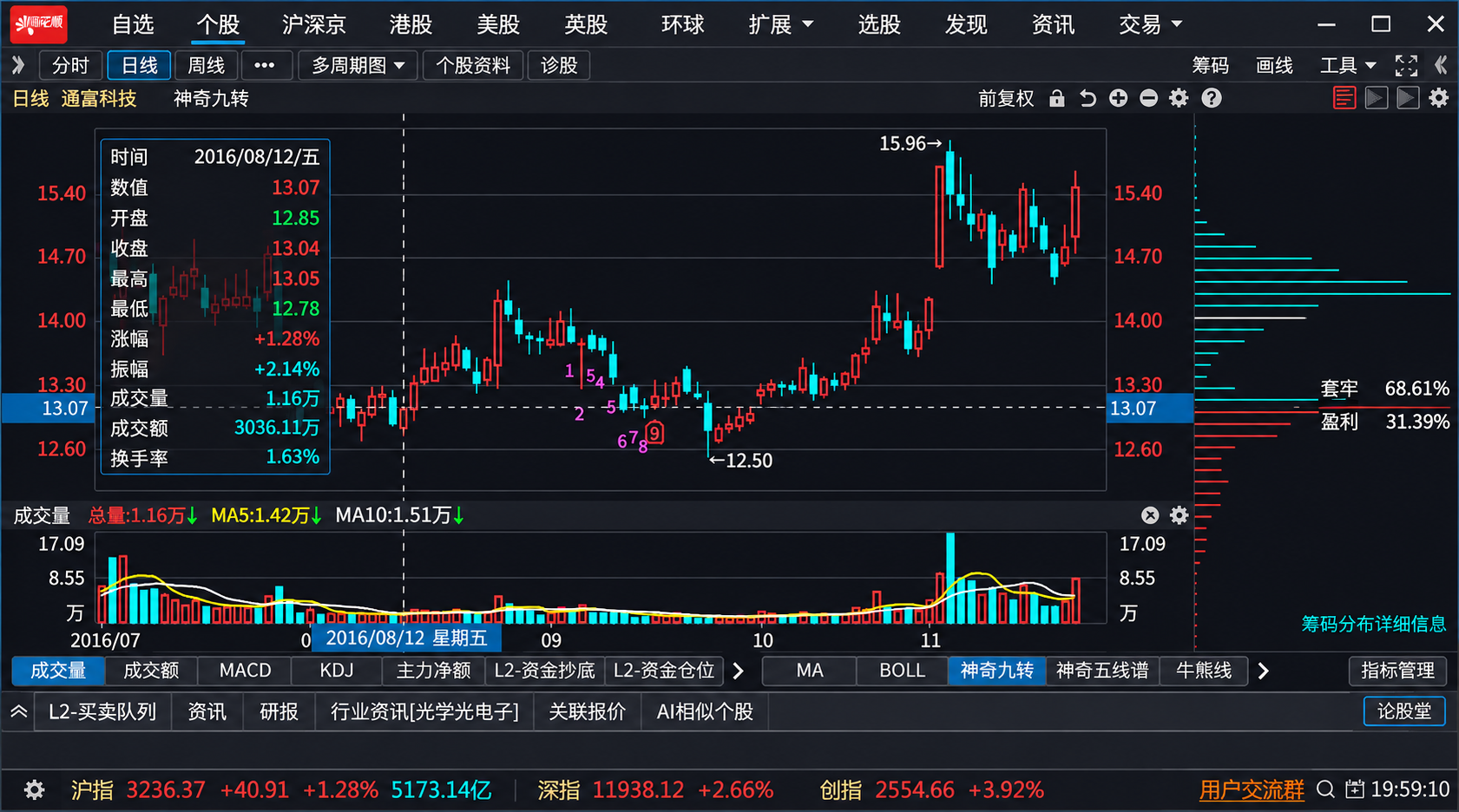
Candlesticks, moving averages, MACD, and more—switch timeframes in a few taps.

03
Narrow a huge market fast
Stack filters or ask Wencai in plain language—turn ideas into a short list to review.

04
Follow where money is flowing
Flow metrics and turnover help you see active names and rotating sectors.

05
Your names, one list
Track symbols you care about—prices, alerts, and related headlines together.

06
Context behind the tape
Headlines, filings, and trending themes alongside the quotes you’re watching.
Go deeper · Charts and screeners
Quotes, indicators, and filters that work together
Start with the index, drill into a name, add indicators, then screen the market for similar setups. Tonghuashun lays out the data so you spend less time hunting and more time deciding what to read next.
Lists, intraday charts, and volume in one flow
See how a name is trading today—not just where it closed yesterday.
Jump from sector lists to symbol detail: change %, turnover, and intraday shape. Lists suit scanning; charts suit timing. Same data, different views.
Scan the heat map on lunch break or sit down for a longer session—switch views without losing your place.

Too many tickers, not enough time? Stack conditions—financials, price action, technicals—or type a question into Wencai and get a list worth opening.
When something interesting shows up, jump straight to quotes and filings instead of starting another search from scratch.

Plot indicators on a wide monitor at work; check your watchlist on the train. Official clients match how most people actually use the market.
Desktop shines for multi-chart layouts; mobile is built for quick checks, push alerts, and headlines on the go.

Who it’s for
Same app, different habits
Learning the market? Live on K-lines? Always on your phone? Tonghuashun scales from a simple price lookup to full indicator stacks—and official apps for every device.

Just getting started
Clear lists, plain labels, and a watchlist you can grow over time. Follow prices, % change, and what’s trending—then add charts when you’re ready.

Chart-first researchers
Multi-period K-lines, MAs, MACD, KDJ, and volume overlays—mix what you trust and screen for names that match your setup.

Desk + phone
Install the desktop client for deep work; keep mobile for watchlist pings and quick reads. Official builds for Windows, Mac, Android, and iOS.
Getting started
Stuck on setup or login? See FAQ. Platform links live in the Download Center.
Windows, macOS, Android, or iOS—choose what you use day to day.
Open Tonghuashun’s download page or app store from our Download Center—not random mirrors.
Run the installer; if something breaks, FAQ has common fixes.
Add a watchlist, browse quotes, open a K-line—learn the layout at your pace.
Ready when you are
Charts on the big screen, alerts in your pocket
Quotes, K-lines, screeners, and news—use the desktop app for depth or mobile when you’re away from the desk.
Our Download Center points to official Windows, Mac, Android, and iOS builds so you install from the source.